DESCRIPTION
I configured secure folder sharing, user permissions, and group access in a Windows environment to simulate least privilege access control and system administration practices.
This project simulated the implementation of technical access controls in a Windows environment, following the principle of least privilege and aligning with common GRC and system hardening practices. The goal was to securely configure user and group permissions on a shared company resource while minimizing unnecessary access and enforcing administrative boundaries.
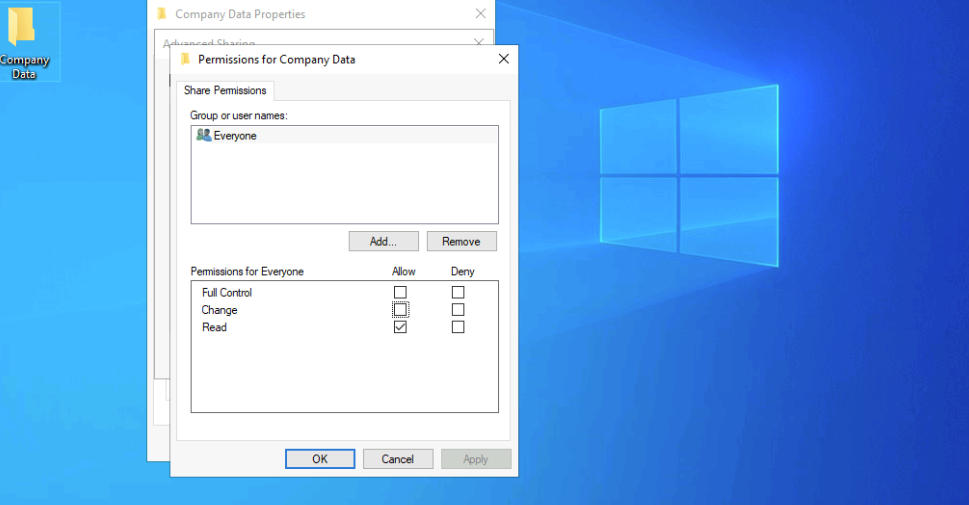
The lab began with creating a secure folder structure, starting with a shared folder named “Company Data” and an “HR” subfolder within it. I then set up a user account called Jim and a security group named HR, adding Jim to that group. The HR group was granted access to both folders, while default groups like “Everyone” were removed to limit unnecessary exposure. In the HR subfolder, I configured share and NTFS permissions to ensure that only members of the HR group had access, with just enough permissions to carry out their job duties securely.
To ensure proper access segregation, inheritance was disabled on both folders before applying custom NTFS permissions. This step allowed fine-grained control and prevented unintended access propagation from parent directories. The user Jim was added to the HR group to inherit permissions through group membership rather than direct assignment, reinforcing scalable access management.
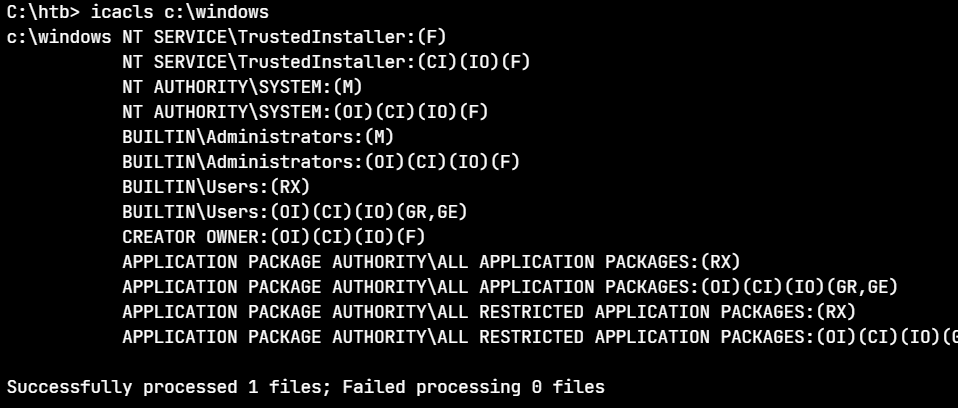
The lab concluded with a PowerShell command to query system service information, demonstrating basic administrative capability and familiarity with command-line auditing tools. Overall, this project emphasized the practical implementation of access control concepts tied to compliance and security governance, helping reinforce the importance of precise permission structures in regulated or risk-sensitive environments.